Release day stops being a gamble
You find out the afternoon someone changes it, not the week you ship. Nothing waits to be discovered.
SpecRoom watches every component in your Figma library and names exactly what changed the moment it drifts — then puts it back in one click.
See it work
The whole loop, in one component: it drifts from the approved baseline, SpecRoom names exactly what changed, and one click reverts it.
A recreation of the loop, running live on this page. A recorded walkthrough follows.
Try it
This is a real component with an approved baseline. Change anything — SpecRoom names it, to the property, on the variant you changed. Put it back with one click.
Every variant has its own approved baseline. Change one and only that variant is flagged — the other two stay in sync.
Five properties here. On your library it is every property SpecRoom can read, on every component.
Inside the room
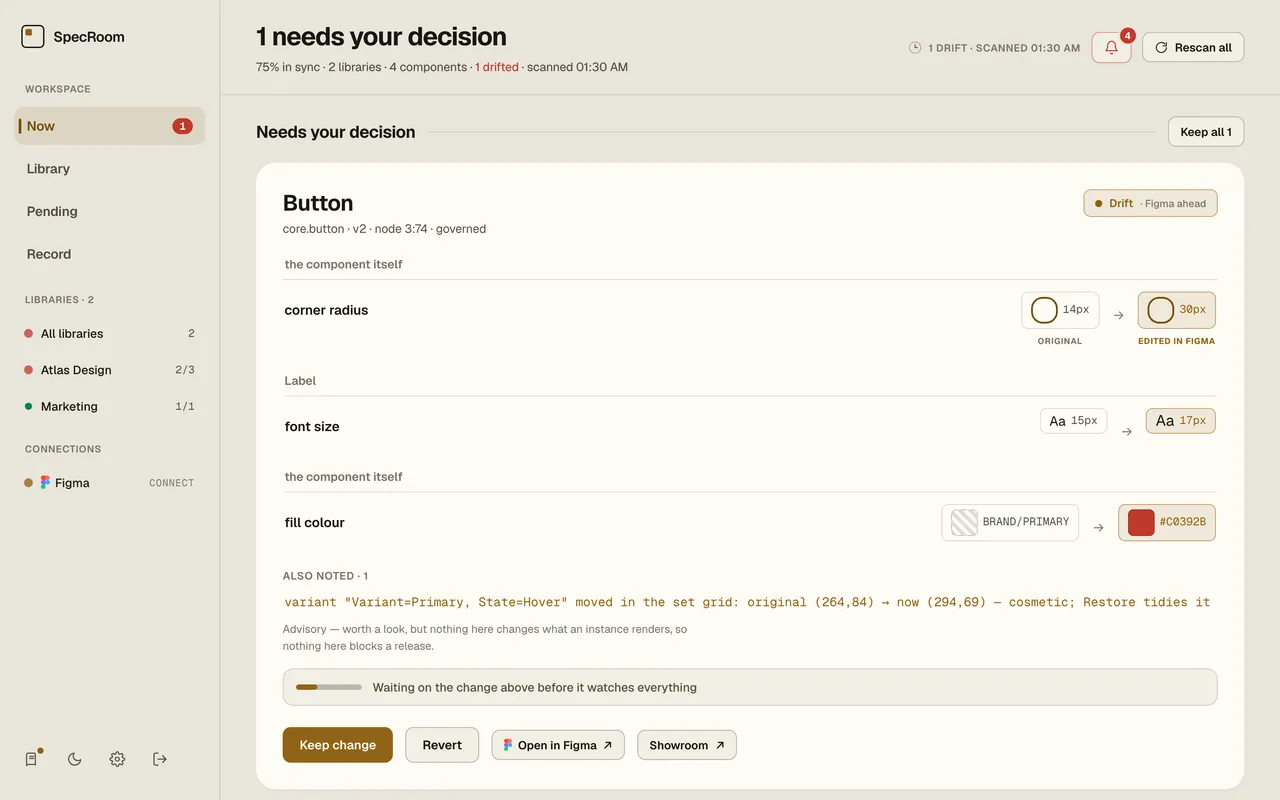
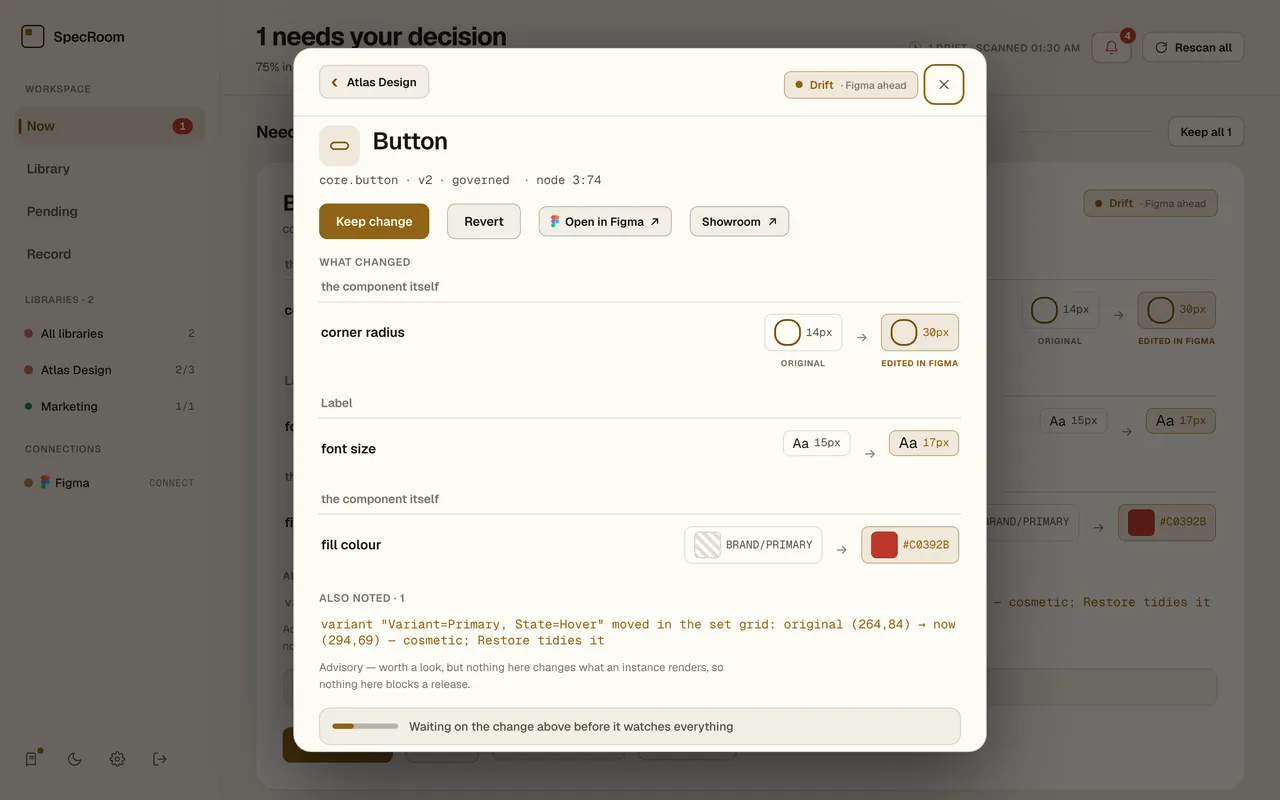
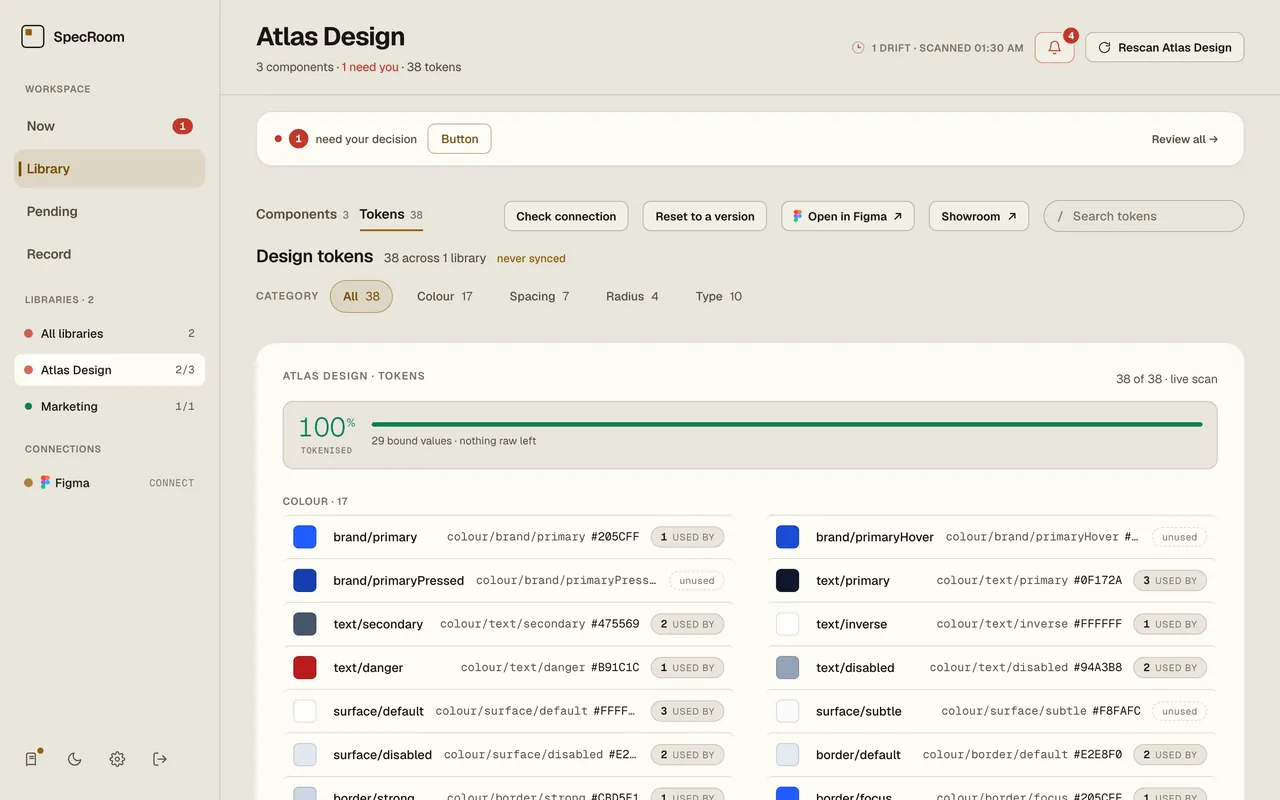
Not a mockup — these are real screens from the Control Room your team would be using.
The problem
Your library is the contract between design and everything built on it. And every week, quietly, someone breaks it.
Someone tweaks a corner on the shared Button. No ticket, no review. Six weeks later it's shipped in three products.
NOBODY NOTICEDThe library moved seventeen times since the last sign-off. Which changes were decisions and which were accidents? Silence.
NOBODY DECIDEDBrand asks what changed and who said yes. The honest answer is a shrug. For a regulated business, a shrug is a finding.
NOBODY CAN PROVE ITHow it works
Connect once, and from then on the library polices itself — with a person, not an algorithm, making every call.
Sign in with Figma once and point SpecRoom at your libraries. It learns what every component should look like — the approved baseline. Nothing in your file is touched.
The moment anything drifts, it's caught and named precisely — corner radius 14 → 30 — down to the layer. Not "something changed." Exactly what, exactly where.
Keep it — it becomes the new rule, recorded against your name. Or Revert it — SpecRoom writes the original back into Figma. Either way, the record shows who decided, and when.
Why teams trust it with their files
A governance tool is only worth having if its answers hold up in front of an auditor — and if it can never hurt the thing it protects.
You find out the afternoon someone changes it, not the week you ship. Nothing waits to be discovered.
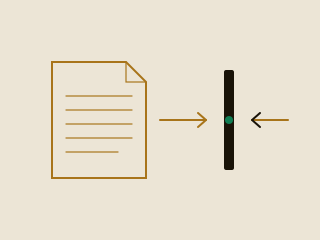
SpecRoom can only read your file. The one way in is a plugin your own designer runs, by hand.
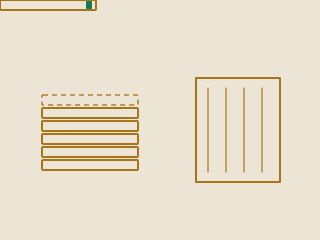
Nothing is removed. Anything replaced is kept, hidden and reversible — including the reverts.

Every keep and every revert, logged against a named person and a timestamp.
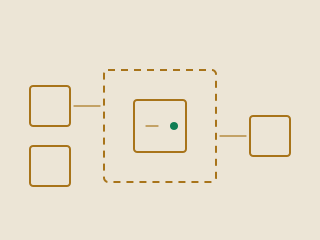
A dedicated deployment. No shared database, no co-tenants — or your own infrastructure if it can’t leave your network.

Every verdict is arithmetic on captured values. Same input, same answer, every time.

Approvers decide. Everyone else sees everything and changes nothing.

Your designers keep using Figma exactly as they do. There is no gate, no checklist and nothing new to learn.
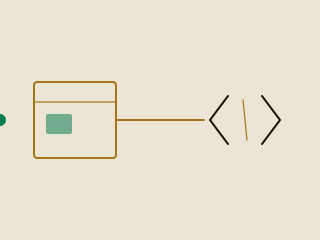
The design side is live. Watching tokens where they live in your codebase is what’s next.
The proof
SpecRoom never decides for you. It shows a person exactly what changed — down to the property — and keeps the call, and the record, in human hands.
Down to the property — watched on every component, six of them here
Get started
A pilot takes one library and about a week. Connect it, let SpecRoom watch, and see what's been drifting under your feet the whole time.
Pilots are free. Deployments are annual, per instance.
One library, about a week. Tell us where to start and we’ll reply personally — usually the same day.
Or email hello@specroom.io directly.
We’ll reply to your email personally, usually the same day.